Mastering Your Gmail Inbox: Proven Strategies for Peak Productivity in a Busy World
In today’s fast-paced digital landscape, especially in a thriving hub like the UAE where business moves at lightning speed, an organized email inbox isn’t just a nice-to-have—it’s a game-changer. Whether you’re juggling client meetings in Dubai, coordinating with international teams, or managing personal finances amid expat life, Gmail can quickly become a source of overwhelm. But with the right techniques, you can transform it into a streamlined tool that boosts efficiency, reduces stress, and frees up time for what matters most. Drawing from expert insights, this guide offers practical, actionable steps to declutter and optimize your Gmail setup. By implementing these, you’ll handle emails like a pro, ensuring nothing slips through the cracks.
Start with a Clean Slate: Declutter and Unsubscribe Ruthlessly
The foundation of a productive inbox is elimination. Begin by scanning for outdated newsletters, promotional spam, and irrelevant subscriptions that pile up from online shopping or event sign-ups. Instead of manual deletion, leverage Gmail’s built-in tools or third-party apps to bulk-remove thousands of emails at once. For instance, search for “unsubscribe” in your inbox to spot easy targets, then hit the unsubscribe link at the email’s footer. This not only clears space but prevents future clutter. In a UAE context, where e-commerce from sites like Noon or Amazon.ae is rampant, this step can save hours weekly, allowing you to focus on high-priority work communications.
Harness Labels and Filters for Automated Organization
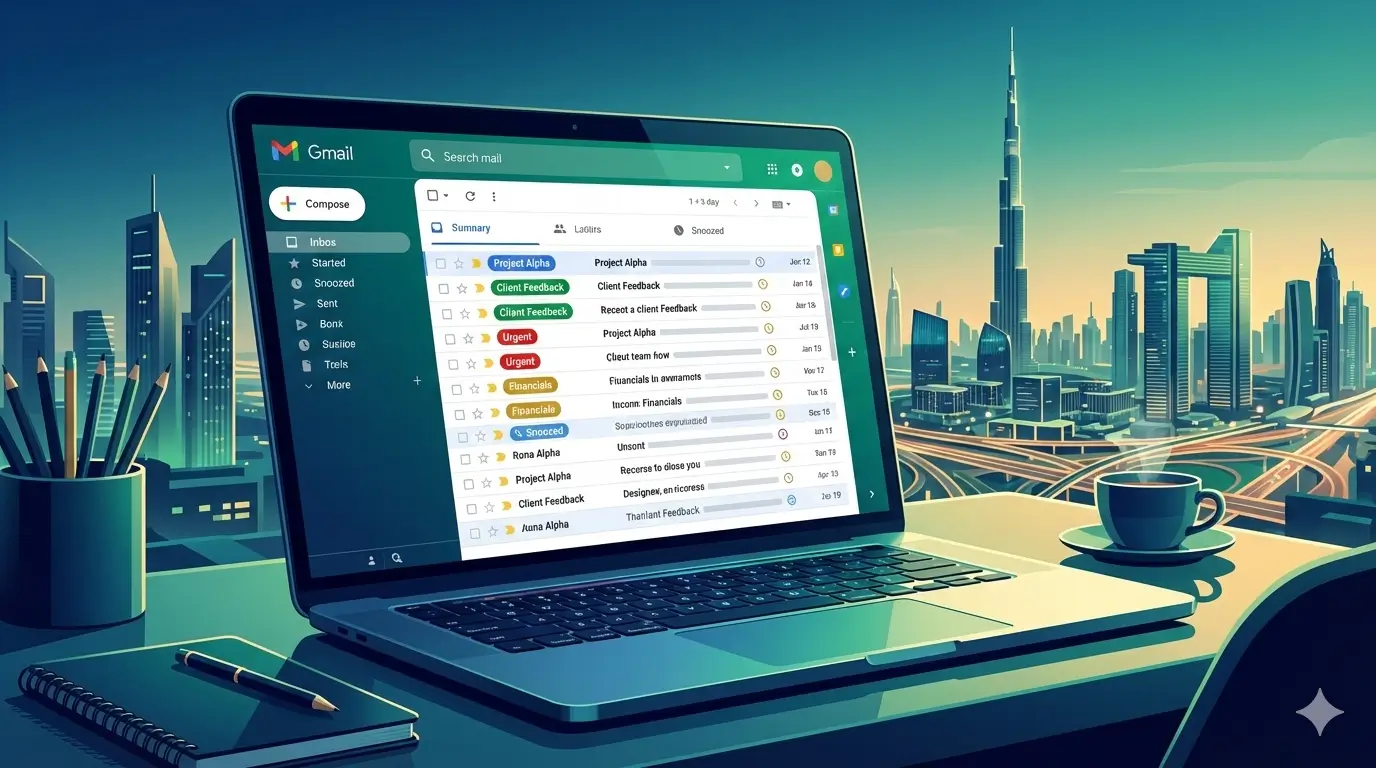
Think of labels as customizable folders that let you tag emails without restricting them to one spot—perfect for multifaceted roles like marketing or project management. Create labels for categories such as “Clients,” “Finances,” or “Travel,” and color-code them for quick visual scanning (hover over a label in the sidebar, click the menu, and pick a hue). Take it further with filters: In the search bar, click the dropdown, set criteria like sender or keywords (e.g., “invoice” from a specific domain), and instruct Gmail to auto-apply labels, mark as read, or archive. This automation is invaluable for UAE professionals dealing with multicultural teams, where emails from various time zones need instant sorting to maintain workflow rhythm.
Prioritize What Matters: Stars, Priority Views, and Multiple Inboxes
Gmail’s starring system lets you flag key messages for easy access—simply click the star icon next to an email. Combine this with Priority Inbox: Head to settings, select “Inbox” type as Priority, and customize sections for starred, important, or unread items. For advanced users, enable Multiple Inboxes to create dashboard-like panels showing filtered views, such as all emails from your boss or those with attachments. This setup mimics a command center, ideal for entrepreneurs in Abu Dhabi tracking investor updates or freelancers managing gig proposals.
Delay and Remind: Snooze, Nudge, and Schedule Sends
Don’t let non-urgent emails distract you. Use Snooze by hovering over a message and clicking the clock icon to hide it until a later time, like “Tomorrow” or a custom date—great for deferring vendor quotes during peak hours. Activate Nudge in settings under “General” to get reminders for unanswered emails. For outgoing messages, schedule sends: Draft your email, click the arrow beside “Send,” and pick a time. This is especially useful in the UAE’s global business scene, where aligning with European or Asian partners means timing responses perfectly without disrupting your schedule.
Boost Efficiency with Smart Features and Shortcuts
Gmail’s AI-powered Smart Compose suggests phrase completions as you type (enable in settings), while Smart Reply offers quick response options—hit Tab to accept and speed up replies. Pair this with keyboard shortcuts: Turn them on in settings, then use “C” to compose, “R” to reply, or “/” to search. For mobile warriors commuting in Dubai traffic, customize app swipes for archiving or snoozing, and enable offline mode to draft emails without Wi-Fi. These hacks cut response times dramatically, turning a 30-minute email session into 10.
Safeguard and Streamline: Undo, Mute, and Confidential Mode
Everyone makes mistakes—activate Undo Send (up to 30 seconds) in settings to recall errant emails. For noisy group threads, like team chats on project updates, mute them via the menu to archive future replies automatically. When sharing sensitive info, such as contracts or financial details common in UAE’s real estate sector, use Confidential Mode: In compose, click the lock-clock icon to set expiration dates or require passcodes, preventing forwards or downloads.
Advanced Search and Storage Management
Locate anything instantly with operators: Type “from:[email protected] has:attachment larger:5M” to find big files from a sender. Regularly clean storage by searching “larger:10M” and deleting old attachments—Google provides 15GB free, but UAE users with photo-heavy emails from events might hit limits fast. Preview files without opening emails by hovering, saving precious clicks.
Templates and Integrations for Repetitive Tasks
For recurring emails, like client follow-ups, create templates: Enable in advanced settings, draft a message, and save it via the menu. Insert later with a few clicks. Integrate with Google Calendar and Tasks by clicking icons in emails to convert invites into events or reminders, syncing your inbox with your day planner seamlessly.
Notifications and Delegation for Team Dynamics
Stay alert without obsession: Enable desktop notifications for important emails only. In collaborative environments, delegate access—add a trusted colleague in settings to handle your inbox, useful for UAE startups where admins manage executive emails.
By adopting these strategies, your Gmail becomes a powerhouse of productivity rather than a burden. In the UAE’s dynamic economy, where opportunities arise swiftly, a mastered inbox ensures you’re always prepared. Start small: Tackle one tip today, like setting up filters, and build from there. You’ll notice reduced stress, sharper focus, and more time for thriving—whether closing deals in Dubai or enjoying family time. Remember, consistency is key; revisit your setup quarterly to adapt. For even more power, explore apps that enhance Gmail’s AI, but these core tactics will get you 80% of the way. Your organized inbox awaits—dive in and reclaim your time.
(Word count: 812)